Best time to post, from your own followers, not a generic chart
Lists of "the best time to post on TikTok" or "on Instagram" are averages of other people's accounts. Qu3u3 reads the views, likes, comments and shares the platform reports for each of your posts, and shows the three hours of the day with the most interactions per hundred views, in your shop's time zone. Then you schedule your next posts at those hours.
How it works
Connect and post as usual
Connect Instagram, Facebook, Threads, TikTok or YouTube, then post from Qu3u3 at different hours. Scheduling is free for every account.
Let the numbers come in
Best hours needs at least 5 posts with numbers from the platform, and at least 2 posts in the same hour, so one lucky post does not decide it. Until then, the card shows how many of your posts have numbers so far.
Read your three best hours
Analytics shows up to three hours, ranked by interactions per hundred views, with how many posts each hour is based on. Analytics is for subscribed accounts.
Schedule the next posts there
Pick those hours when you schedule a post. The calendar marks the empty slots, so posts do not pile up in one hour.
What comes with it
Top posts and who watches them
See your most-viewed posts, plus viewers by country, age and gender, with numbers straight from each platform.
A queue that takes care of itself
A platform is limiting uploads or the network drops? Your post isn't lost. It waits its turn and is sent again on its own.
Preview before you publish
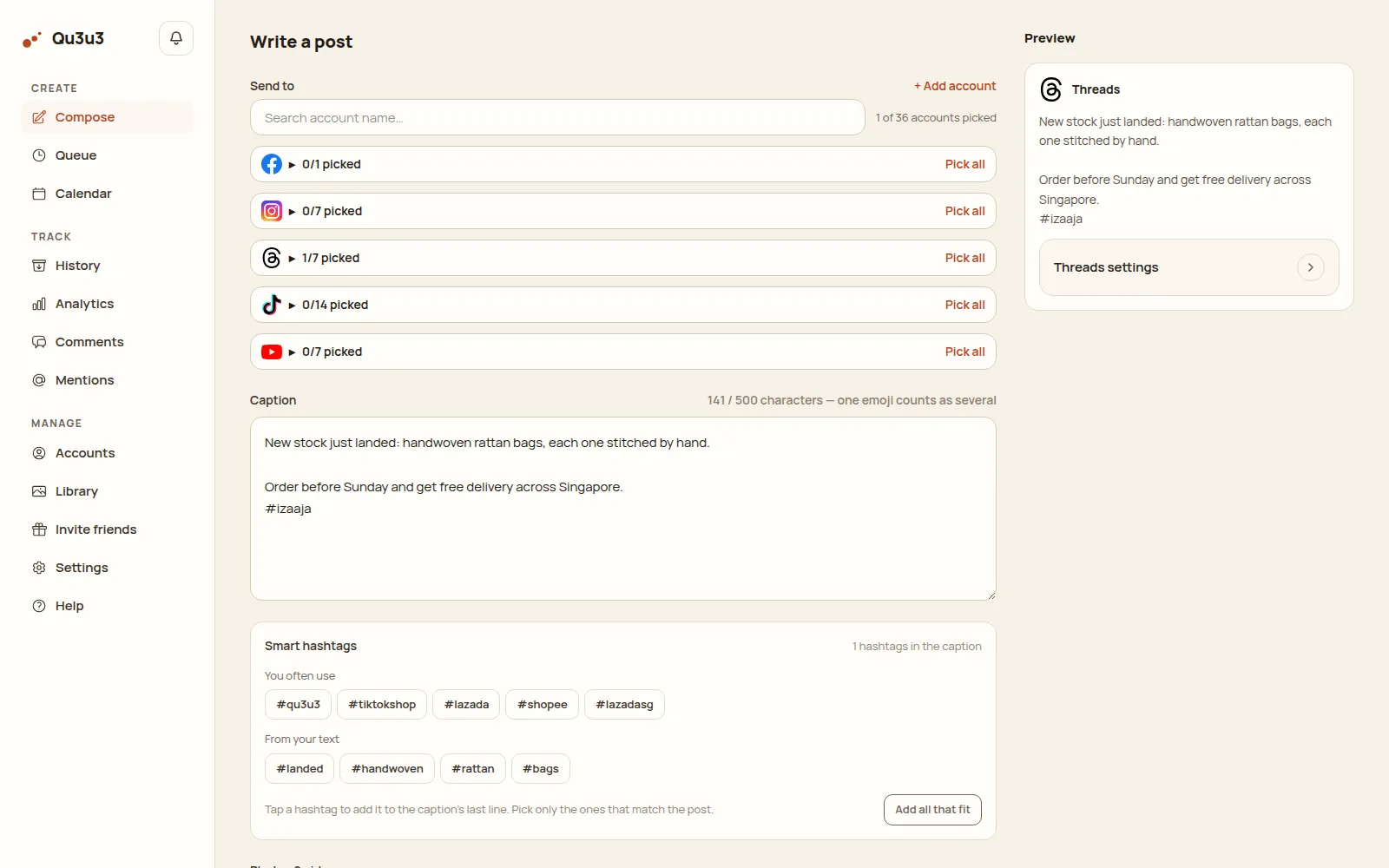
See exactly how your post will look on each platform before you schedule it — not after it fails.
Reuse photos and videos
Pick media from an earlier post again, without uploading it from your phone or computer a second time.
Frequently asked questions
Guides by platform
Instagram scheduler
Schedule Instagram Feed posts, Carousels of 2–10 media, Reels with cover selection, and Stories from your phone or computer, free for every account.
Facebook scheduler
Schedule Facebook Page photos with a link card, albums of up to 10 photos, Reels, and Page Stories from your phone or computer, free for every account.
Threads scheduler
Schedule Threads text posts of up to 500 characters, text with media, and carousels of 2–20 media, and choose who can reply. Free for every account.
TikTok scheduler
Schedule TikTok videos up to 10 minutes and photo mode posts with 1–35 images, with comment, duet and stitch permissions. Free for every account.
YouTube scheduler
Schedule YouTube Shorts and videos with a custom thumbnail, title, description and playlist. Same upload also goes to Instagram, Facebook and TikTok.
Start with one account today
No card needed, no sales call. Connect one account, schedule your first post, and see the results for yourself.
Start free